APK für Android

ONLYOFFICE Documents
 4.7
4.7 Screenshots von ONLYOFFICE Documents (5)
Beschreibung von ONLYOFFICE Documents
Ein vollwertiges Office-Paket für Android, das direkt mit den Platzhirten konkurriert
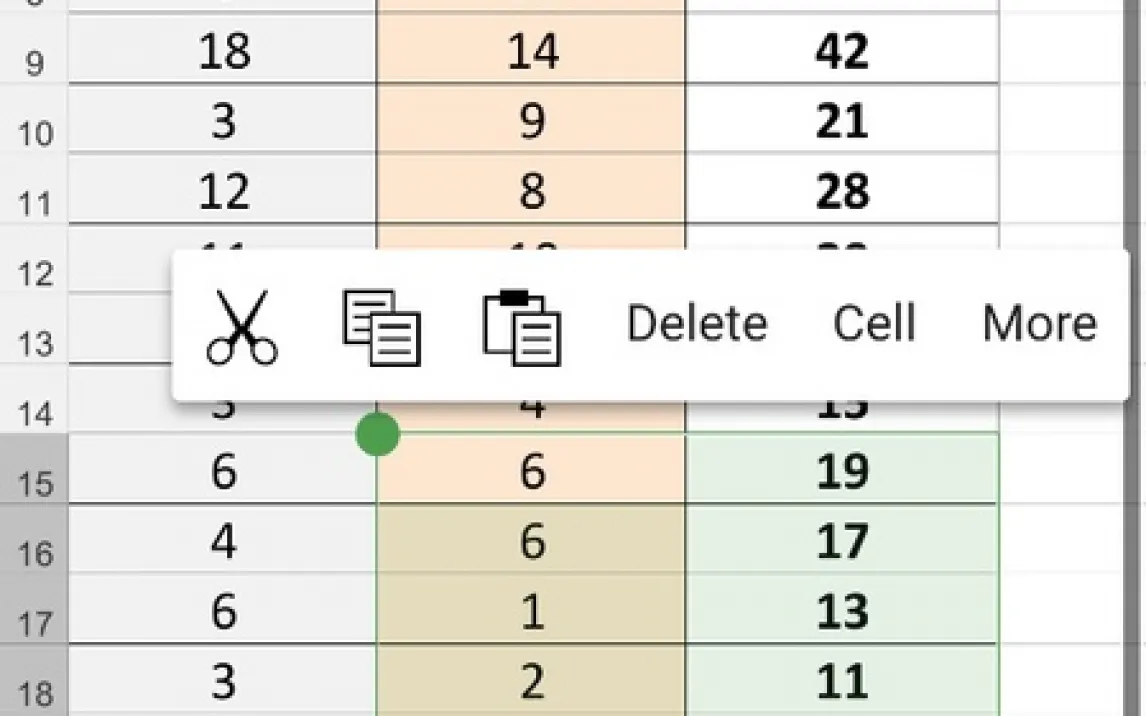
ONLYOFFICE Documents positioniert sich nicht als einfacher Viewer, sondern als eine vollständige Produktivitätssuite für mobile Geräte. Die App ermöglicht die native Erstellung und Bearbeitung von Textdokumenten, Tabellenkalkulationen und Präsentationen direkt auf dem Android-Smartphone oder -Tablet. Die technische Basis bildet eine hohe Kompatibilität mit einer breiten Palette von Formaten, darunter die modernen Microsoft Office-Formate (DOCX, XLSX, PPTX), ältere Versionen (DOC, XLS, PPT) sowie die OpenDocument-Standards (ODT, ODS, ODP). Diese umfassende Formatunterstützung eliminiert Konvertierungsprobleme und erhält die ursprüngliche Dokumentformatierung zuverlässig.
Der Arbeitsfluss ist auf Cloud-Integration ausgelegt. Nach der Registrierung, für die auch bestehende Facebook- oder Google-Konten genutzt werden können, werden alle Änderungen automatisch in der ONLYOFFICE Cloud gespeichert. Die App bietet zudem direkte Synchronisation mit externen Cloud-Speichern wie Google Drive, Dropbox, Box oder Nextcloud. Dies schafft einen nahtlosen Übergang zwischen Geräten und stellt sicher, dass immer die aktuellste Version eines Dokuments vorliegt. Eine zentrale Funktion ist die Echtzeit-Kollaboration: Mehrere Benutzer können gleichzeitig an einem in der Cloud gehosteten Dokument arbeiten, wobei Änderungen aller Beteiligten live sichtbar sind. Nach Abschluss der Bearbeitung stehen Export- und Download-Optionen für lokale Kopien zur Verfügung.
Die Benutzeroberfläche ist funktional und reduziert gehalten, was die Navigation auf mobilen Bildschirmen erleichtert. Im Vergleich zu anderen Office-Paketen wie Google Docs oder WPS Office fällt die Abwesenheit von Werbung positiv auf, was zu einer ununterbrochenen Arbeitsumgebung beiträgt. Die App fungiert als leistungsstarker Client für die ONLYOFFICE-Ökosysteme, kann aber auch eigenständig für die Verwaltung lokal gespeicherter Dateien genutzt werden.
- Umfassende Formatkompatibilität: Nahtloses Öffnen und Bearbeiten von Dateien in über zehn gängigen Office-Formaten ohne Qualitätsverlust.
- Echtzeit-Kollaboration im Team: Mehrere Personen bearbeiten Cloud-Dokumente simultan mit sofortiger Sichtbarkeit aller Änderungen.
- Tiefe Cloud-Anbindung: Automatische Speicherung in der ONLYOFFICE Cloud und Synchronisation mit Diensten wie Google Drive und Dropbox.
Laden Sie die mobile App jetzt herunter und ersetzen Sie sperrige Desktop-Software für unterwegs. Verwalten Sie Dokumente professionell, wann und wo Sie wollen.
Hinweis: Für Cloud-Synchronisation, Echtzeit-Zusammenarbeit und den Dokumentenabruf aus Online-Speichern wird eine WLAN- oder mobile Internetverbindung benötigt. Erweiterte Cloud-Speicher und bestimmte Kollaborationsfeatures können kostenpflichtige Abonnements erfordern.
 GooglePlay
Bewertungen und Rezensionen für die App ONLYOFFICE Documents